
Has your home button ever stopped functioning but you weren’t able to have it replaced right away?
Learn how to enable Assistive Touch on you iPhone, iPad, or iPod and use your buttons even if they’re broken!
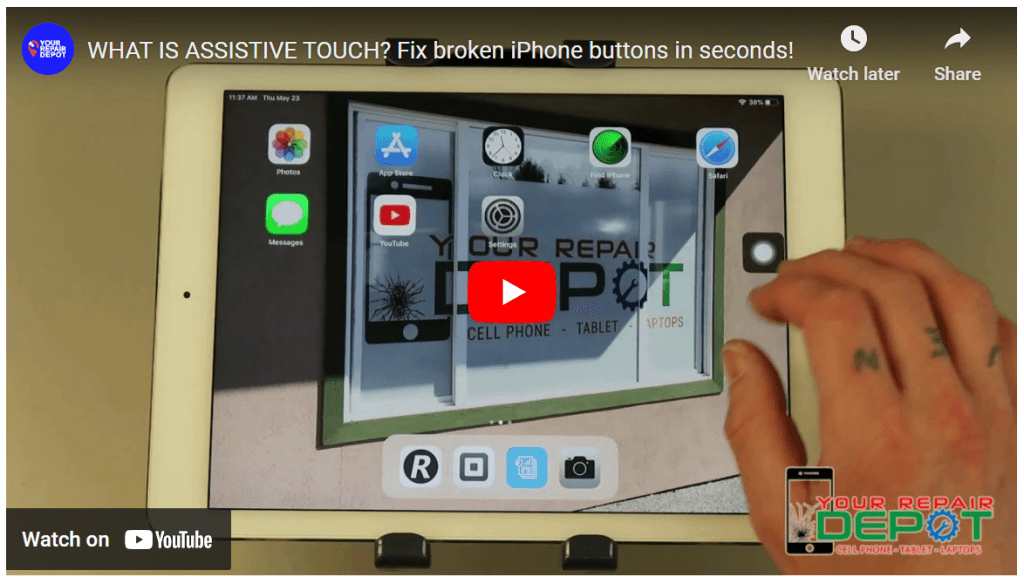
Check out the video below to learn how.
AssistiveTouch: A Lifesaver for Broken iPhone Buttons
Does your iPhone’s home button, power button, volume button, or mute switch seem like it’s given up the ghost? Don’t worry about expensive repairs just yet! Here at Your Repair Depot (https://www.yourrepairdepot.com/), we have a quick and easy solution to help you regain control of your phone: AssistiveTouch.
What is AssistiveTouch?
AssistiveTouch is a built-in accessibility feature on iPhones that allows you to perform various actions without using the physical buttons. It creates a virtual button on your screen that you can customize to access essential functions.
How to Enable AssistiveTouch:
- Open the Settings app on your iPhone.
- Scroll down and tap on Accessibility.
- Under Interaction, tap on AssistiveTouch.
- Toggle the switch next to AssistiveTouch to the ON position.
Benefits of AssistiveTouch:
- Replaces Broken Buttons: With AssistiveTouch, you can mimic the functionality of your broken home button, power button, volume buttons, and mute switch.
- Customizable Menu: You can personalize the AssistiveTouch menu to include the functions you use most frequently.
- Easy Access: The AssistiveTouch button stays accessible on your screen, allowing you to perform actions quickly and easily.
Additional Information:
- Customization Options: You can adjust the AssistiveTouch button’s appearance (opacity) and define what single-tap, double-tap, and long-press actions trigger.
- Multiple Functions: The AssistiveTouch menu can accommodate up to eight icons, each with a designated function.
- Repair Services: If your broken button needs a permanent fix, Your Repair Depot is here to help! We offer quick and reliable repairs at affordable prices. iPhones typically take about an hour to repair.
Don’t Wait!
Don’t let a broken button disrupt your iPhone experience. Enable AssistiveTouch today and regain control of your phone. For repairs or if you have any questions, contact Your Repair Depot at (250) 871-4541 or visit us at 3030 Kilpatrick Ave #212, Courtenay, BC V9N 8P1, Canada.
Your Repair Depot: We fix your tech, not your budget!