
Do you play on your phone at night before bed?
Your phone screen emits a light called blue light and it can interfere with your sleeping patterns! Both Apple and Android devices have features to filter the blue light your screen emits. We highly recommend you set up your blue light filter and utilize it!
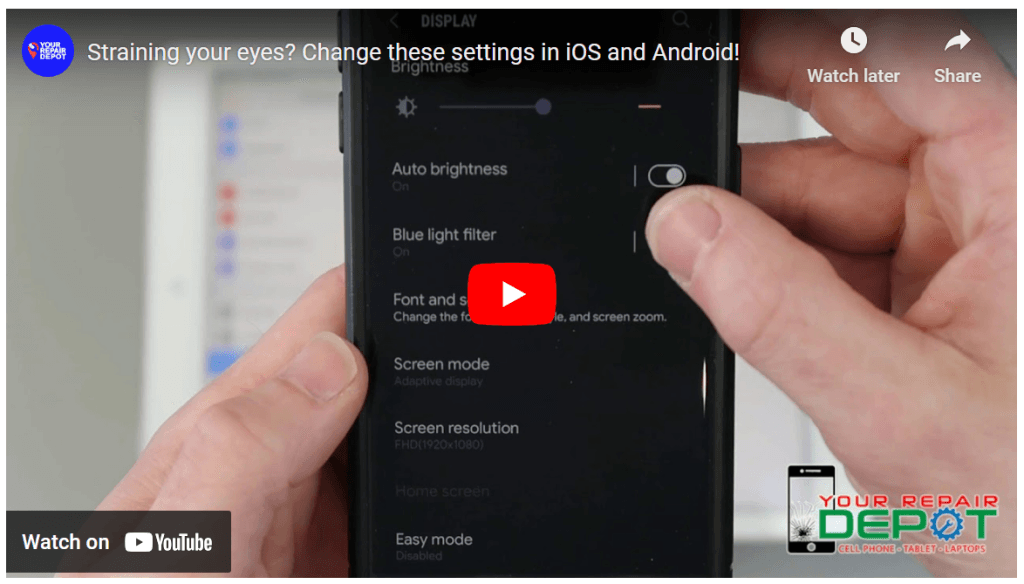
Check the video out below to learn more!
Reduce Eye Strain and Improve Sleep with Night Shift and Blue Light Filter
Are you struggling to get a good night’s sleep after spending hours reading on your phone or tablet? The blue light emitted from these devices can interfere with your body’s natural sleep-wake cycle. Fortunately, both Apple and Android devices offer features to reduce blue light and promote better sleep.
Understanding Blue Light:
Blue light is a type of light emitted by electronic devices, including smartphones, tablets, and computers. Exposure to blue light before bedtime can suppress the production of melatonin, a hormone that regulates sleep. This can make it difficult to fall asleep and disrupt your sleep patterns.
Night Shift for Apple Devices:
Apple’s Night Shift feature automatically adjusts the screen’s color temperature to a warmer hue, reducing the amount of blue light emitted. This can make it easier on your eyes and help you fall asleep more easily.
To enable Night Shift on your Apple device:
- Go to Settings.
- Tap on Display & Brightness.
- Select Night Shift.
- Turn on Night Shift.
- Customize the schedule and color temperature to your preference.
Blue Light Filter for Android Devices:
Android devices often have a similar feature called Blue Light Filter. This feature works by reducing the amount of blue light emitted from your screen.
To enable Blue Light Filter on your Android device:
- Pull down the notification shade.
- Tap on the Settings icon.
- Search for “Blue Light Filter” or a similar term.
- Turn on the Blue Light Filter.
- Adjust the intensity and schedule as needed.
Benefits of Using Night Shift or Blue Light Filter:
- Reduced Eye Strain: Less blue light exposure can help alleviate eye strain and fatigue.
- Improved Sleep Quality: By promoting melatonin production, these features can help you fall asleep faster and sleep more soundly.
- Better Overall Health: Disrupted sleep patterns can negatively impact your overall health and well-being.
By enabling Night Shift or Blue Light Filter on your device, you can reduce the impact of blue light on your sleep and improve your overall health. So, next time you’re reading before bed, consider activating these features for a more restful night’s sleep.