
Are there photos or videos on your phone that mean a lot to you?
What would you do if you broke your phone and it wasn’t able to be repaired?
This is a common problem for a lot of people! In the video below I show you the EASIEST and SAFEST way to back up your sentimental photos and videos.
It’s all made easy by a service called iCloud Photos!
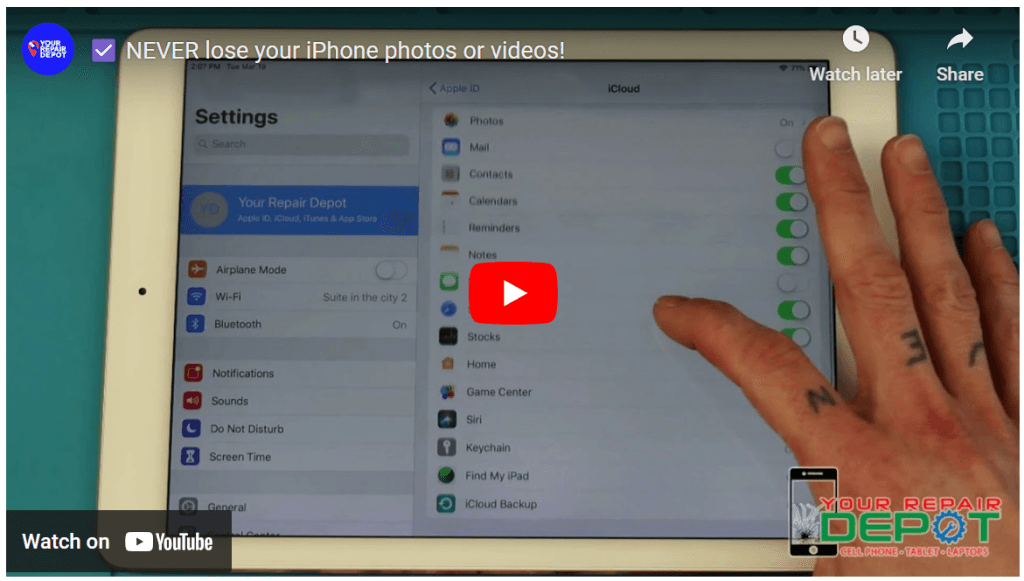
Safeguard Your Memories: How to Backup Photos and Videos with iCloud Photos
Ever worried about losing precious photos and videos from your iPhone, iPad, or Mac? Fear not! iCloud Photos offers a seamless solution to back up your memories and access them from any Apple device or even a Windows PC.
What is iCloud Photos?
Imagine a secure vault in the sky! iCloud Photos is an Apple service that automatically stores all your photos and videos in the cloud. Once you capture a photo or video, it’s safely tucked away, accessible from any device signed in to your iCloud account.
Bonus Feature: Shared Albums
Create shared albums to collaborate with friends and family. Imagine a central hub for vacation photos or a concert you attended together. Everyone can add their pictures to the album, making it a breeze to share memories.
Enabling iCloud Photos:
On iPad:
- Go to Settings.
- Tap on your name (or Apple ID).
- Select iCloud.
- Ensure Photos is switched on.
On Mac (OS X 10.10.3 or later):
- Open System Preferences.
- Click on iCloud.
- Select Options next to Photos.
- Choose iCloud Photos.
On Apple TV (4K or 4th generation with tvOS 9.2 or later):
- Go to Settings.
- Select Accounts and then iCloud.
- Click on iCloud Photos.
On Windows PC:
- Download and install iCloud for Windows.
- Open iCloud for Windows.
- Next to Photos, click Options.
- Select iCloud Photo Library.
- Click Done and then Apply.
Manually Backing Up Photos:
For an extra layer of security, you can manually back up your photos. Simply go to Settings > iCloud > iCloud Backup and tap Back Up Now.
Creating a Shared Album:
- Open the Photos app.
- Go to the Albums tab.
- Tap the Plus button.
- Choose New Shared Album.
- Name your album and invite people by searching your contacts.
With iCloud Photos, you can rest assured that your cherished memories are always safe and accessible. No more worrying about lost devices or accidental deletion. So go ahead, capture life’s moments, and share them with loved ones effortlessly!