
It can be extremely frustrating if your phone has been plugged in for hours or even all night but does not seem to be charging very fast at all.
There are a variety of reasons that this could be happening, but below you will find a breakdown of some of the most common causes of phone charging slowly and how to fix them.
This article is about the reasons why your phone is charging slow and how to fix it.
5 reasons why your phone is charging slow and how to fix it!
 1- Lightning cable is broken
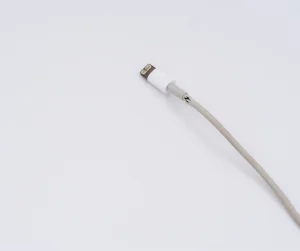
One of the most common reasons your phone is charging slowly is also, thankfully, the easiest to fix. The cord/cable that you are using might just be broken. Your USB cord has probably been slung around, stuffed into bags, bent, twisted, and maybe even crushed.
Eventually, all the use begins to wear down the wires, and it will not charge your phone as quickly as it did in the beginning.
When you are looking to purchase a new cable, all of them may look the same but have different durability levels, quality, and transmission speed. You want to get a quality cable that will last you as long as possible.
It is also important that you make sure that the cable you choose is MFi certified (if it’s Lightning cable) or it may not truly be compatible with your phone. Many people find that the reason their iPhones charge slowly is that they are using non-MFi cables.
If your cord is the reason for your charging woes, simply replace the cord and your problem will be solved.
If you are confident that the problem is not with the cord itself, consider the power source that you are using to charge your phone. If you are using your laptop or even a desktop computer, your phone is almost guaranteed to charge slowly because the output of power simply is not that high.It is worth buying a power adapter if you do not have one, so you can plug your phone into the wall to charge.
You probably take your phone everywhere with you. This means that it has probably spent lots of time in your pocket, in a bag, and just sitting around in various locations.Over time lint, dust, and dirt can build up in the charging port and prevent the cable from fully connecting to your phone, which leads to a slow (or complete lack of) charge.For most clogs, you can fix it with a skinny tool like a bobby pin, paper clip, or toothpick. You will simply use the tool to remove dust and dirt from the port gently.
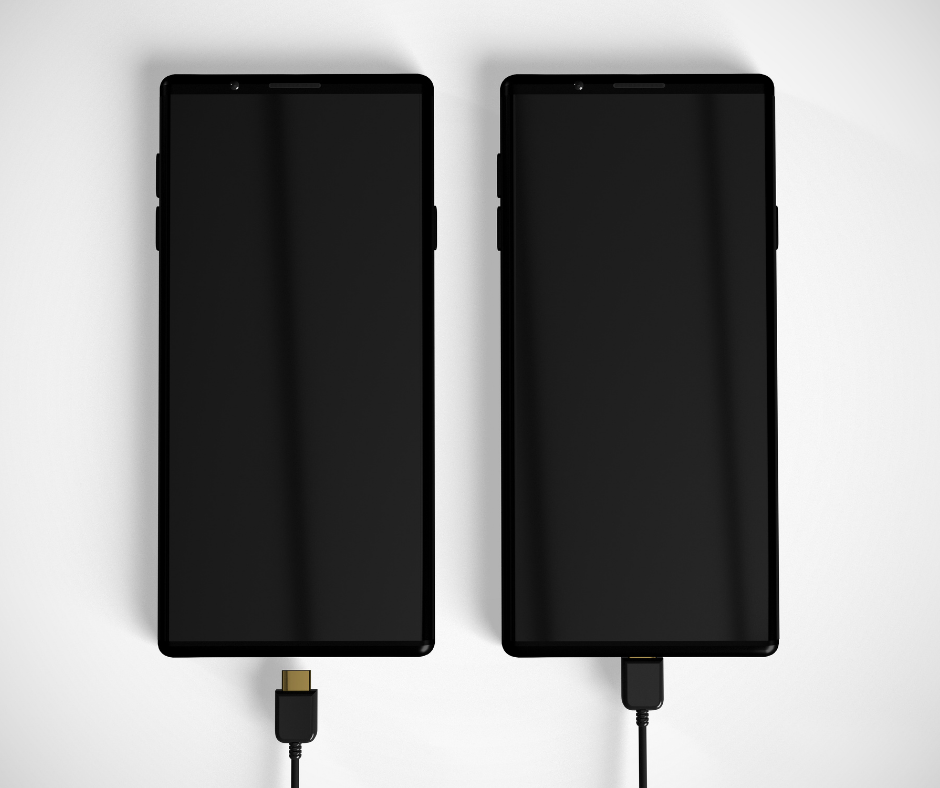
If none of the above methods seem to fix your problem, unfortunately, the problem could be with the phone. Over time, a number of things can start to go wrong with your phone. It may begin to charge slow, process things slower, stop updating, and more.If your phone is three or more years old, it may just be time to bite the bullet and buy a newer phone. This can be an expensive upgrade, but it will most likely solve all of your phone problems, including slow charging. If you are not ready to buy a whole new phone, though, you can consider simply replacing the battery.
Hopefully, one of those solutions fixed your problem, and your phone is now charging at a much better speed. It is a great idea to start with getting a better cable and power adapter before moving up to more expensive fixes.
If replacing the charging cord, getting a new adapter, removing apps, or cleaning out the port did not fix the problem, you can always reach out to the friendly and knowledgeable technicians at Your Repair Depot to get advice specific to your phone.