
Most of us have either bought a used phone or sold our old phone after upgrading to a new one.
But have you ever bought an Apple device that still had someone else’s iCloud or Apple ID linked to it?
Check out the video below to learn what to do before buying an Apple device and what you should do before you get rid of your old Apple device!
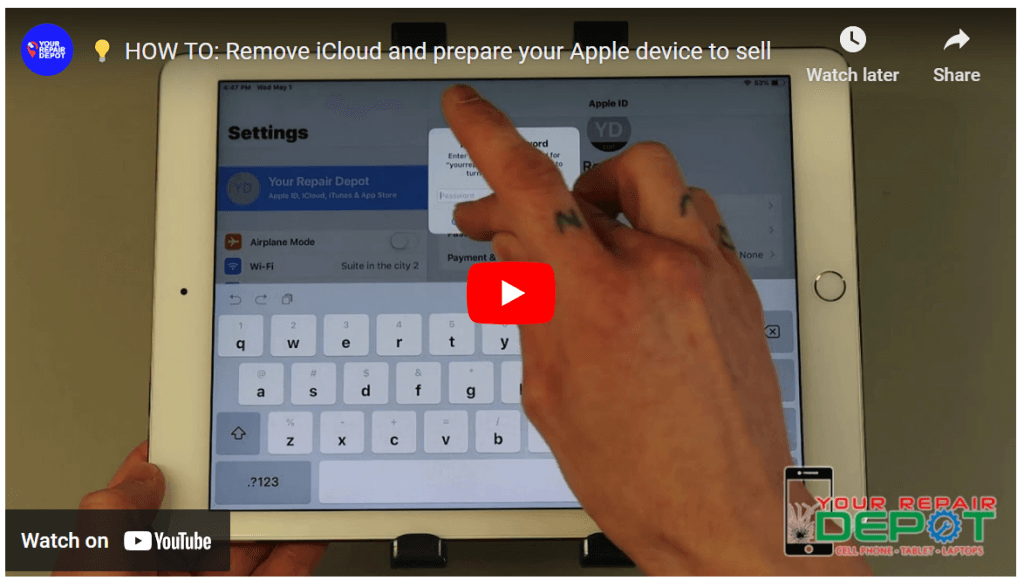
Understanding Activation Lock and Preparing Your Apple Device for Sale
When buying or selling a used Apple device, it’s crucial to be aware of Activation Lock. This security feature prevents unauthorized access to your device, even if it’s reset.
What is Activation Lock?
Activation Lock is a security feature that is automatically enabled when you sign in to your iCloud account on your Apple device. It requires your Apple ID and password to activate the device after a factory reset.
Preparing Your Device for Sale:
- Sign Out of iCloud: Before selling your device, ensure you are signed out of your iCloud account. This prevents the new owner from accessing your personal data.
- Erase All Content and Settings: Perform a factory reset to remove all your personal data from the device.
- Verify Activation Lock Removal: After resetting the device, check if Activation Lock has been successfully removed.
Buying a Used Apple Device:
- Check for Activation Lock: Ask the seller to provide the Apple ID and password used to set up the device.
- Verify Removal: After receiving the device, attempt to activate it using the provided credentials. If Activation Lock is still enabled, you won’t be able to use the device.
Additional Tips:
- Backup Your Data: Before selling your device, ensure you have a backup of your important data.
- Remove SIM Card: If you have a SIM card inserted, remove it before selling the device.
- Check for Physical Damage: Inspect the device for any signs of physical damage.
Our Services:
At [Your Repair Depot], we can help you prepare your Apple device for sale by ensuring Activation Lock is removed and all personal data is erased. We also offer comprehensive inspections to identify any potential issues before you purchase a used device.
Contact Us:
For more information or to schedule a service, please contact us at (250) 871-4541. We are located at 3030 Kilpatrick Ave #212, Courtenay, BC V9N 8P1, Canada.
By following these steps and seeking our assistance, you can ensure a smooth buying or selling experience for your Apple device.