
How often do you use your Apple ID and password?
Do you remember them?
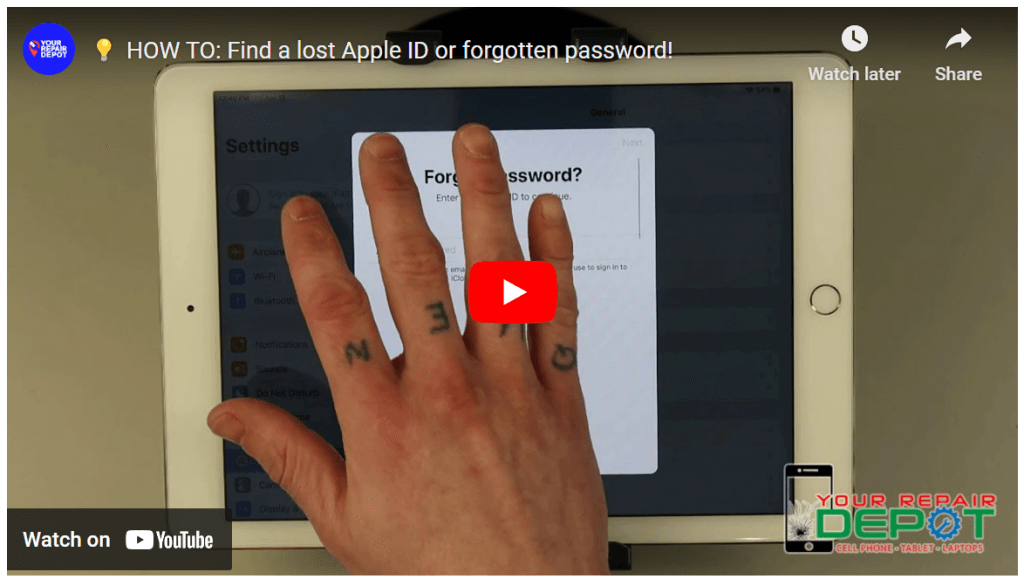
You’d be surprised at how many people forget their Apple ID and password! The video below explains how to reset your Apple ID password or find your forgotten Apple ID email address. If you need more help check out the links below the video!
If you forgot your Apple ID password:
https://support.apple.com/en-ca/HT201487
If you forgot your Apple ID:
https://support.apple.com/en-ca/HT201354
Forgot Your Apple ID or Password? Here’s How to Recover It
Have you ever found yourself staring at your locked iPhone, iPad, or Mac, desperately trying to remember your Apple ID and password? It happens to the best of us! Luckily, Apple provides a straightforward process to recover your lost credentials.
Steps to Recover Your Apple ID or Password:
- Access Settings: On your Apple device, go to Settings.
- Tap on Your Name: You’ll find this option at the top of the settings menu.
- Select “iCloud”: This will take you to your iCloud settings.
- Choose “Forgot Apple ID or Password”: You’ll find this option towards the bottom.
If You Forgot Your Password:
- Enter Your Apple ID: Type in the email address associated with your Apple ID.
- Follow the Instructions: Apple will guide you through resetting your password.
If You Forgot Your Apple ID:
- Provide Information: Enter your first name, last name, and the email address you believe is associated with your Apple ID.
- Follow the Instructions: Apple will provide options to help you recover your Apple ID.
Need More Assistance?
If you’re still having trouble, Apple’s support website offers additional resources and guidance. You can also visit your local Apple Store for in-person assistance.
Common Reasons for Forgotten Credentials:
- Infrequent Use: If you don’t frequently sign in to your Apple account, it’s easy to forget your password.
- Multiple Apple IDs: Having multiple Apple IDs can make it confusing to remember which one you’re using.
Prevent Future Frustrations:
To avoid future password woes, consider using a strong, unique password for your Apple ID and enabling two-factor authentication for added security.
Need Help? We Can Assist:
If you’re struggling to recover your Apple ID or password and need further assistance, feel free to contact us at (250) 871-4541. Our team can provide guidance and support.